Google is your business friend
March 12, 2019

Claim your business with Google my Business.
Hi guys I learnt a lot of new and exciting stuff the other day and thought I'd like to pass some of it on to you. This post is about getting free Google maps and free Google my business linked to your company. If you enter in the Google search bar your business name it will come up with any listings for your company and it will show on the right hand side your position on the Google maps and a picture of your business if this does not come up then click on the learn more button below to add your business to google maps – click on manage.
If your listing does appear please check that you have claimed your business see picture above as this business has no details and it says Own this business. It is a good idea to claim it and add relevant details on your business ie phone number, business hours, website and what areas you operate from which is really great for boosting your listing in google searches.
If you have multiple companies they can all be linked to the same google login and everything can be managed from the same account. There is also a free website you can set up and an area to post information about upcoming events, you can even create a google adwords campaign. You can download the google my business phone ap and make these changes or updates directly from your phone.

Lets talk Log Books

With using Hubdoc you first need to know the basics.
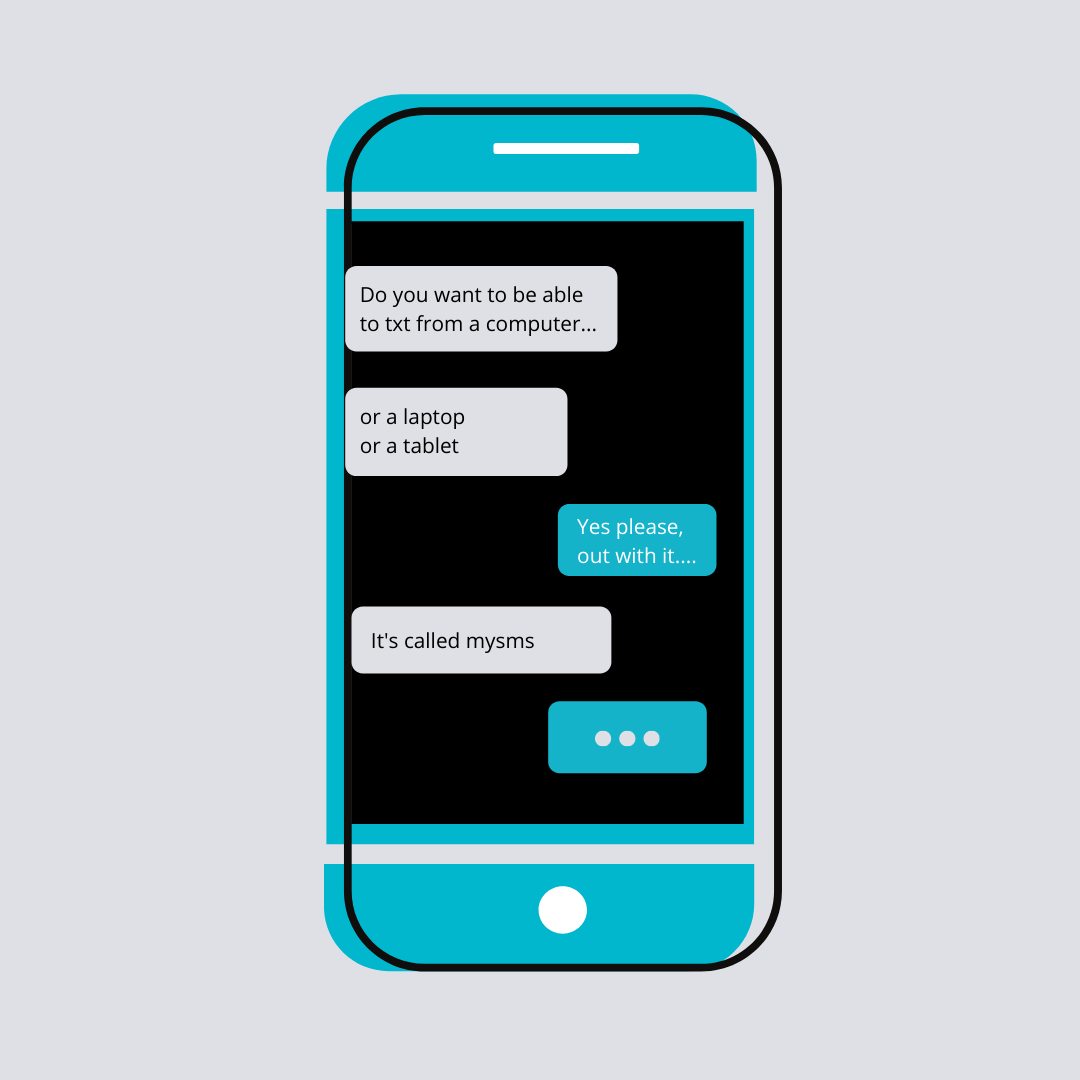
I have been using mysms for a while now and it has been a life saver.
I can correspond during the day with multiple people quickly and easily, as I can type faster than I can txt. Our team uses it as a great tool for debt collection, it is easy to copy and paste the phone number then send the same message to a group of people.

Do you want to have lots of money, but you can never seem to hold onto it? When someone recently asked me what success looked like to me, it didn’t factor large amounts of money, it was more about having the time to do the things I wanted to do with my family and friends. But to do those things I would probably need money, right? But even thinking about having enough money to do those things seemed to feel wrong. I found myself avoiding anything that would increase my chances of becoming wealthy enough to achieve them. I needed to find out what was behind this reluctance to be successful when I came across Kerwin Rae, who sums it up nicely in one of his videos https://www.facebook.com/watch/?v=1811129745600761 Basically in all of the story books we read as a child the evil guy was usually rich and the good guy was usually poor. We are encouraged to be kind to our neighbours, look after the less fortunate than us… but in the stories we have been reading that person is more often than not downtrodden and poor. If our values are not in alignment with what we are trying to achieve then nothing will ever line up and we will continue to carry on running around the hamster wheel. So when we try to make money we can’t see ourselves being as insanely rich as these people because they are nearly always seen as bad When it comes to seeing income opportunities that are around us, if we have a value that says having money is bad, we are less likely to see the income opportunities open to us, but if we align having money with our core values, ie family, then we will be open to more opportunities to make money through our business. When the core value is to have more time with our families we can actually link the values together and focus on those values instead of the belief that money is bad. Do you believe you deserve to have everything you have ever wanted?

Outlook - Create a rule on a message In this example I have set up a rule to forward any messages with invoice in the subject line from Niftee to Hubdoc and to then move them to my INVOICES folder in outlook Right-click a message and select Rules > Create Rule. Select a condition, and what to do with the message based on the condition. select - with specific words in the subject – click on the blue underlined words and add in your conditions ie Invoice
I believe keeping track of your money should be easy, simple and fun, if you are not enjoying it then we can help make it easier.

We have all heard Xero’s catch phrase “Beautiful Accounting Software” and it is, don’t get me wrong I love Xero with a vengeance, but I am the first to admit that it can go so so wrong if it is not set up and maintained correctly.

Wow! that has gone quick! It has been 18 years since I started Smart Bookkeeping. My business is now old enough to drink. I started smart bookkeeping in 2003 after a job interview, I asked the office person that was interviewing me why she was leaving if the job was as good as she said it was. She said she was going to start contract bookkeeping, well that was a light bulb moment for me when I realised that there was nothing stopping me from doing that either. I had been looking for a job that could fit in around my oldest son starting school and this was the answer. I was already doing my partners accounts, so it was a short jump to start taking on other clients. I have not looked back since. In the beginning I have had friends ask me are you ever going to work for someone else again and my answer has and will always be NO, I love what I do, I love what I can do and I intend to do this for many years yet. What do you love doing?

Lets talk about passwords, who reuses the same password all the time? – yep I’m guilty of that. Who writes their passwords down? Who uses a password manager? I have been using Lastpass for a few years now and it has saved my bacon a few times as I have the app on my phone as well. I have a client that I set up most of the accounts for their admin and bookkeeping purposes so I need to keep track of a lot of passwords for them and myself and Lastpass comes in quite handy when I am at their different sites or he has forgotten his password I get the phone call. Imagine if someone found your little black book with all your passwords written in it or it was destroyed in a fire how would you recover all that information let alone the time it would take to do so. Check out Lastpass’s blog on 7 Bad password habits to break http://blog.lastpass.com/2021/01/7-bad-password-habits-to-break-now-2/
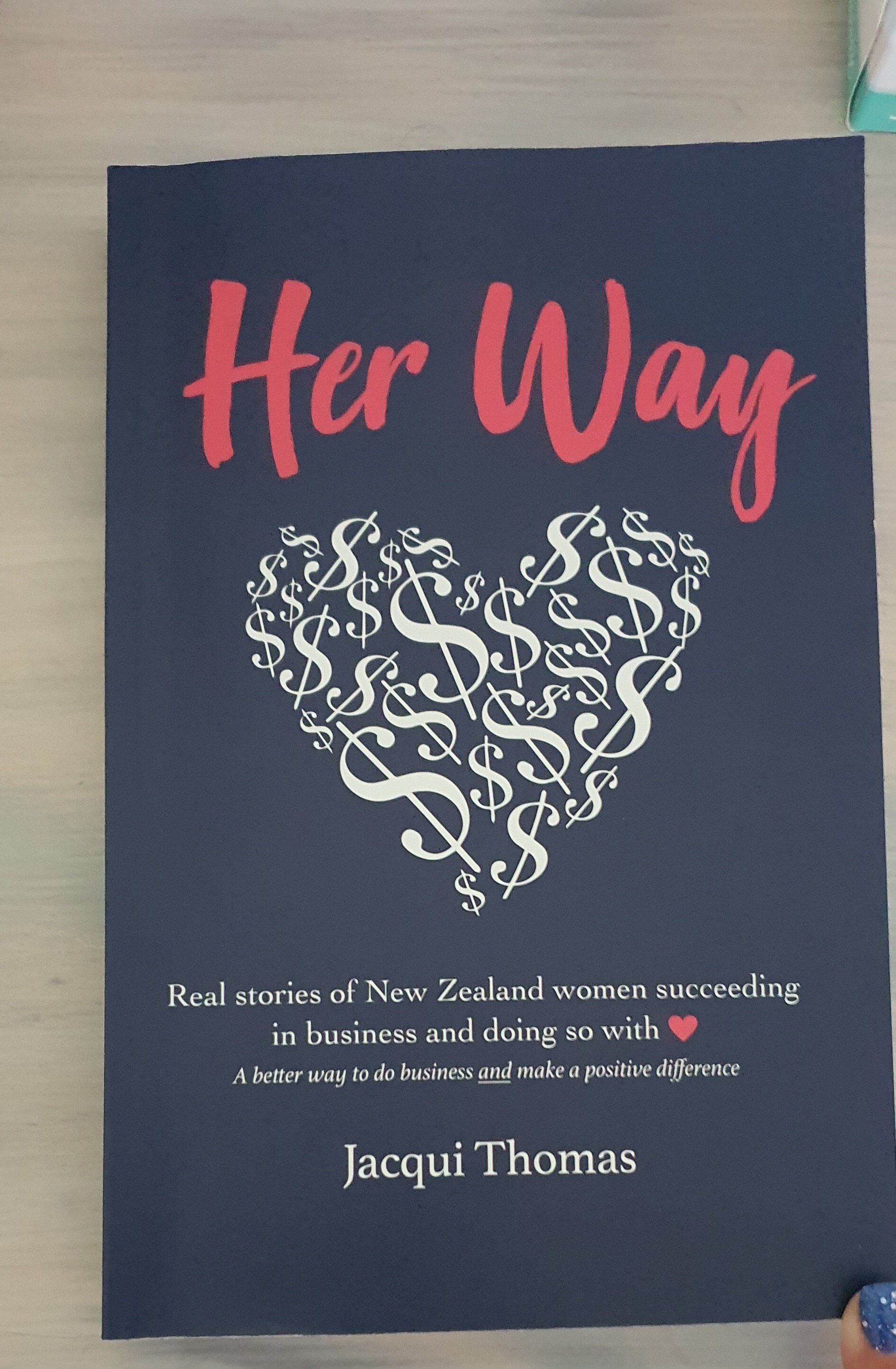
I am reading this awesome book Her Way by Jacqui Thomas given to me by my business mentor Stephanie Crawford from Business Headspace. It is all about women business owners succeeding on their own terms while caring, sharing, nurturing, collaborating, treating people well and being mindful of the planet. This is really making me think about the how and why of my business. Every story is really interesting and I stop and google that particular business, so you can imagine this is taking me awhile to get through (with my normal speed of reading I would have finished this in a couple of hours) Another side effect of googling each business is that so far I have bought a few of their products online for xmas gifts, good for the environment and xmas sorted love it. I love the business models and need to focus on how I can make more of a difference myself. What are you doing to make a positive difference this year? https://www.jacquithomas.com/herwaybook https://www.businessheadspace.co.nz/